
WristWarden
Your vault on your wrist.
Apple Watch · watchOS 10 or later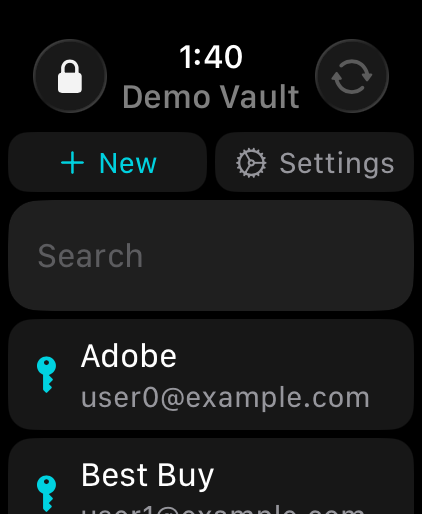
What it does
WristWarden is a client for standard, self-hostable password vault servers. Sign in to your own server and your vault syncs and decrypts directly on the watch — no phone app required, and no middleman.
- Logins, secure notes, cards, identities and custom fields
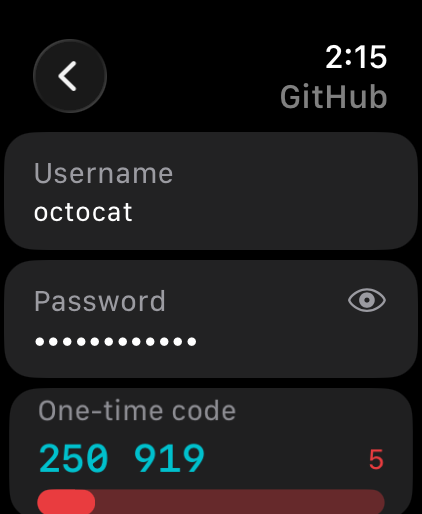
- Live one-time codes (TOTP) with a countdown
- Tap to reveal passwords, hidden by default
- Create logins on the watch, with a password and passphrase generator
- Search, plus fast letter-by-letter scrolling for large vaults
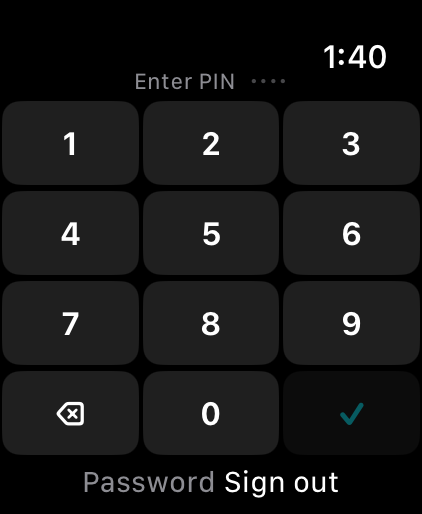
- Optional PIN lock, with your master password as the fallback
Frequently asked
Which servers does it work with?
Any server that speaks the standard vault sync API, including self-hosted ones. Enter your server address on the login screen.
My account uses Argon2id and won't log in.
WristWarden currently supports PBKDF2-SHA256 accounts. You can switch your account's key derivation function to PBKDF2-SHA256 in your web vault's security settings.
How do two-factor codes work?
Authenticator and emailed codes are both supported. Leave the code field empty and tap Log In first — if your account uses email codes, one is sent to you; enter it and log in again. Security keys and Duo aren't available on watchOS.
I forgot my PIN.
Choose “Password” on the lock screen and unlock with your master password. Five incorrect PIN attempts removes the PIN automatically.
Can it edit or delete items?
You can create logins. Editing and deleting existing items aren't supported yet.
Support
Questions, bug reports, or feedback: device0901@proton.me